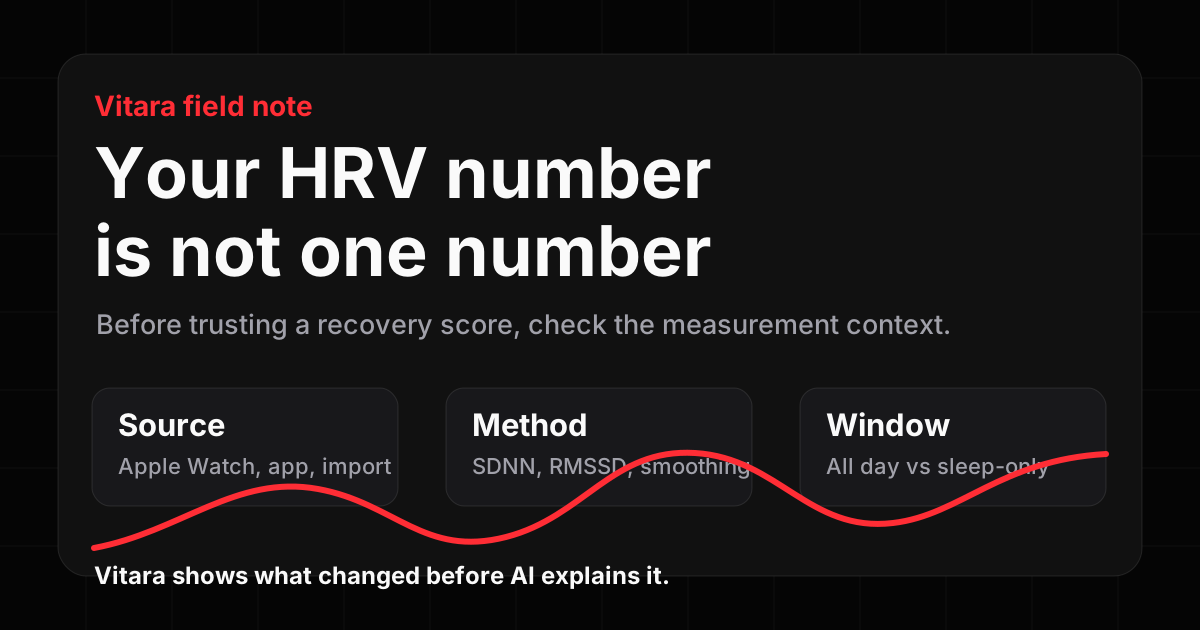
Source
Apple Watch readings, app-imported samples, and third-party calculations can sit near each other in a health stack, but they may not mean the same thing.
 Vitara
 Apple Watch HRV, explained
Apple Health can collect useful HRV signals, but a recovery-style number changes when the source, method, or time window changes. Vitara helps you see that context before any AI summary turns it into a story.
For wellness reflection and trend understanding. Not diagnosis or medical advice.
Reviewed July 19, 2026 · Based on Apple Health and HealthKit documentation.
The hidden context
Apple Watch readings, app-imported samples, and third-party calculations can sit near each other in a health stack, but they may not mean the same thing.
Apple exposes an HRV data type for SDNN in HealthKit. Recovery apps may also use other methods, smoothing, or proprietary readiness models.
A broad all-day signal and a sleep-only recovery view can both be useful. They should be labeled as different views, not blended into one vague score.
Reference: Apple documents the HealthKit quantity type heartRateVariabilitySDNN .
What Vitara adds
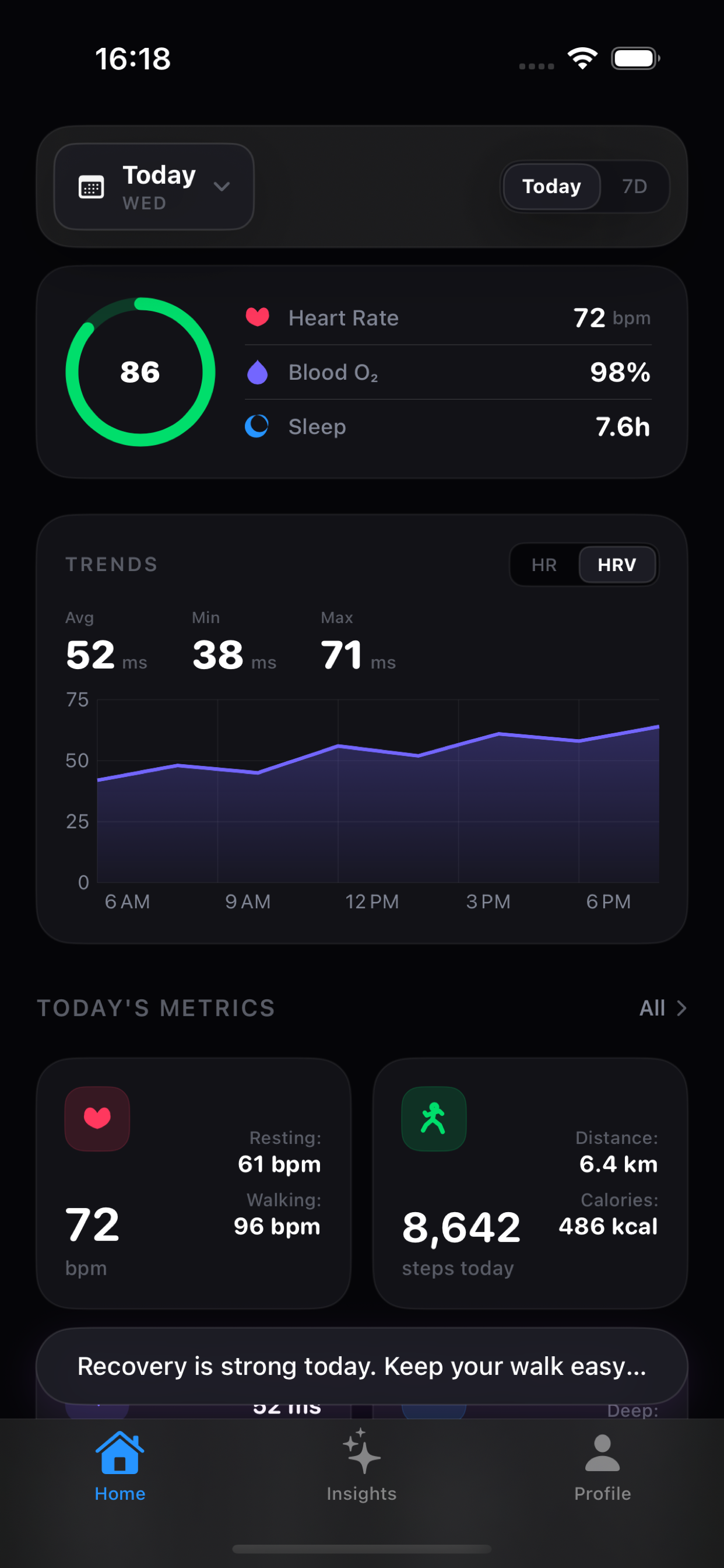
Vitara is built for Apple Health users who want a dashboard that keeps the measurement context visible. It surfaces trend changes across sleep, HRV, heart rate, activity, workouts, and recovery so the AI layer has something concrete to explain.
Early feedback loop
Join the feedback list and send us one screenshot or note about a metric that feels hard to interpret. We will use those examples to sharpen Vitara's explanations and early supporter access.
Feedback is for product improvement only. No App Store review is requested or rewarded.