First boundary
HealthKit stays in the app.
The iPhone app owns permission requests and the known query path for Apple Health data.
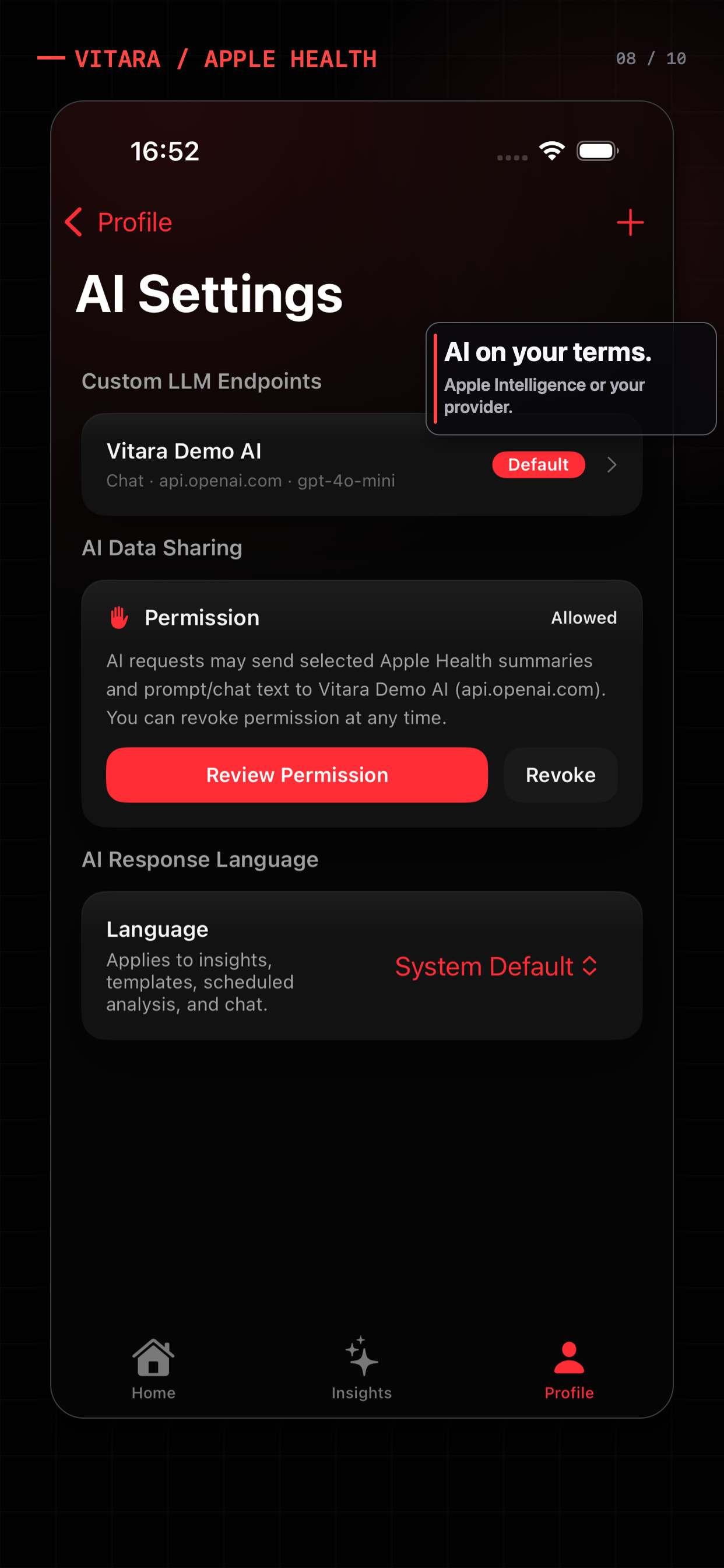
Private AI is not a single switch. It is a chain of decisions: which data is read, which question needs it, whether processing stays on-device, which provider receives selected context, and whether you can change the choice later.
Apple Health tells you what happened. Vitara helps you see what changed.
Apple Health read-only · Optional AI · Wellness information, not medical advice
First boundary
The iPhone app owns permission requests and the known query path for Apple Health data.
Second boundary
Use local explanations, Apple Intelligence where supported, or a custom endpoint you intentionally configure.
Third boundary
A focused question should send the context it needs—not an invisible dump of every metric.
A practical privacy checklist
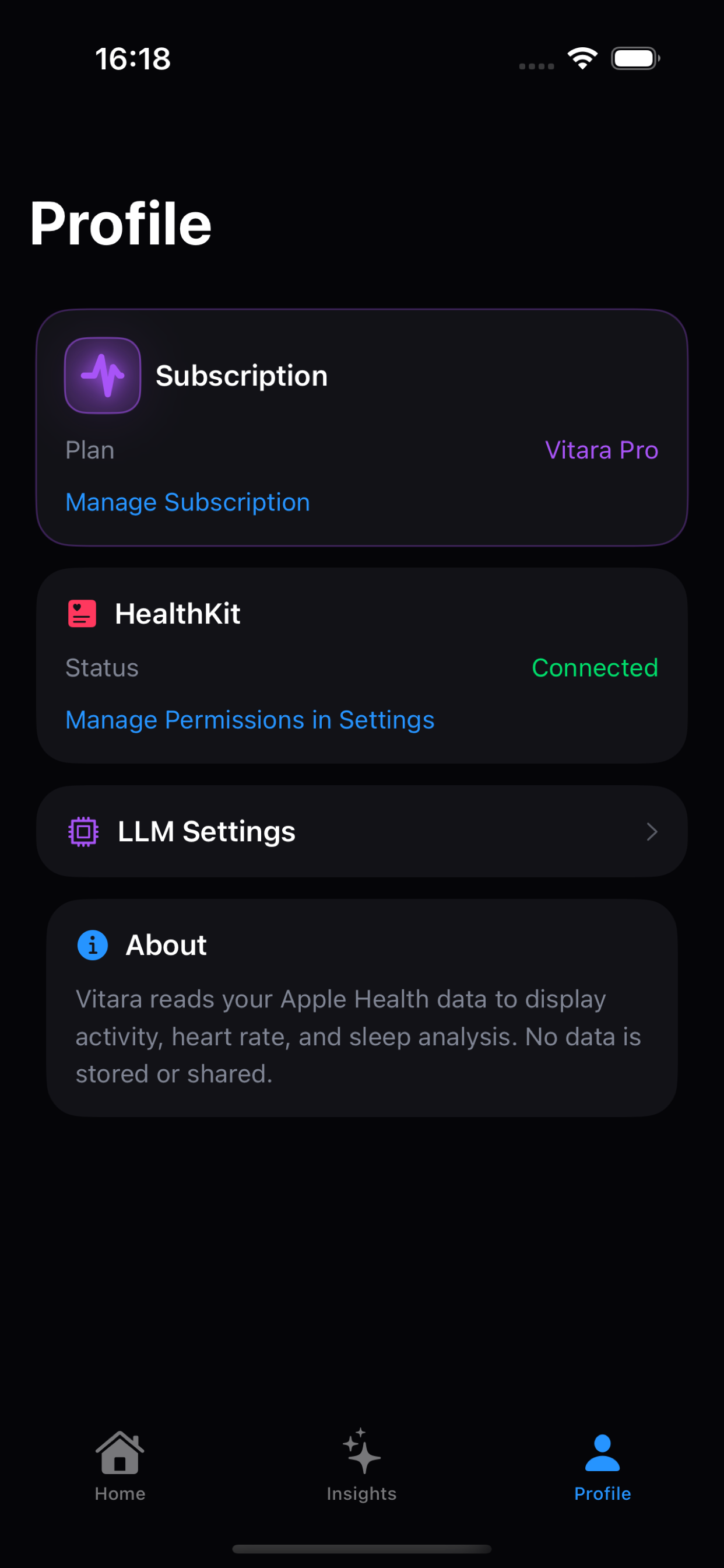
A trustworthy AI health workflow makes its boundaries inspectable. You should be able to identify the active provider, understand the selected health context, see whether consent is required, and revoke or change the choice later.
How Vitara handles the choice
Vitara’s local dashboard and What changed explanations can work without an AI endpoint. On supported devices, Apple Intelligence can provide an on-device path. If you configure a Chat Completions, Responses, or Anthropic Messages endpoint, the app can request consent before sending selected health summaries, prompt text, chat context, or enabled Memory needed for the feature.
A practical fit check
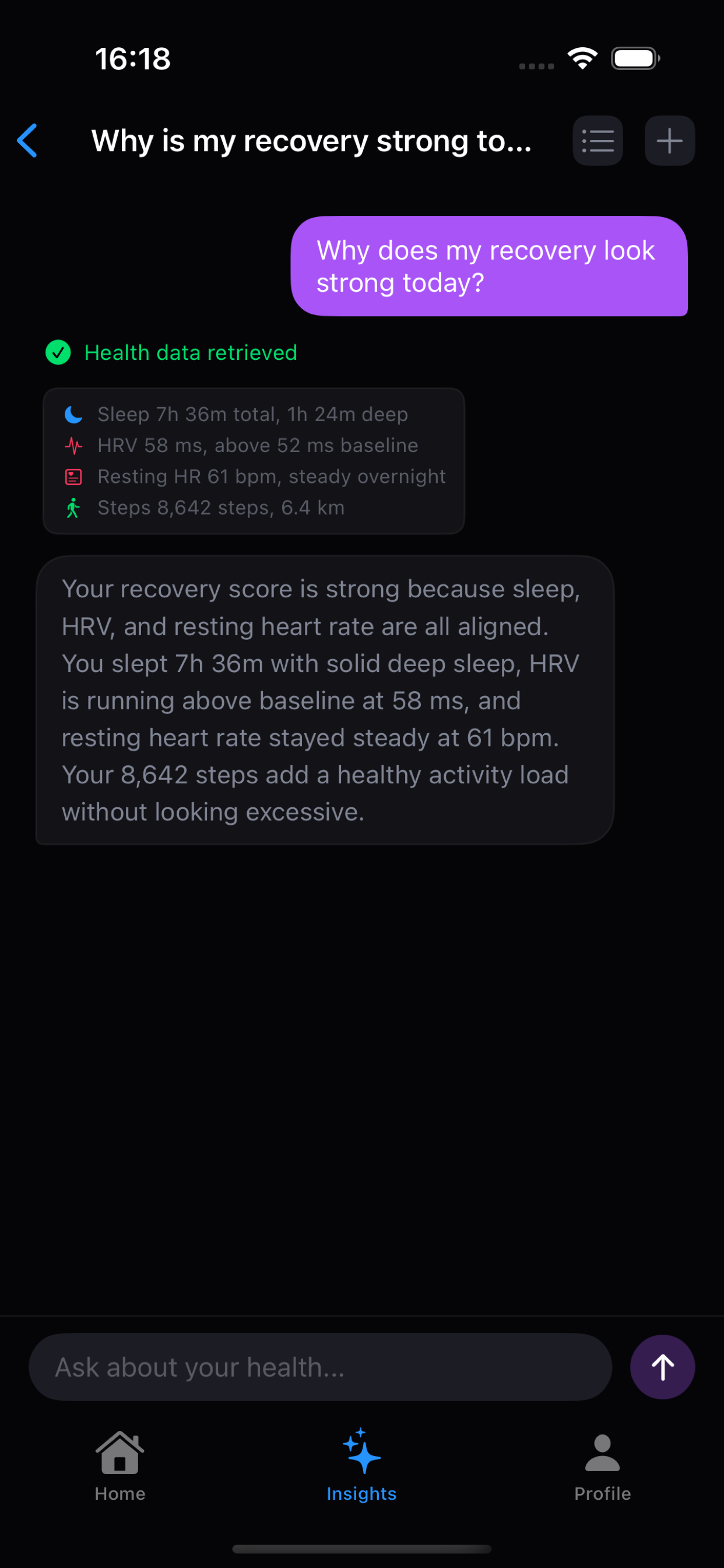
These are different product jobs. The right choice depends on whether you want a record, a trend explanation, or coaching around readiness.
| AI path | What it means | What to verify |
|---|---|---|
| No AI endpoint | Use Apple Health data and local Vitara trend explanations without sending context to an AI provider. | Which local features remain useful, and where is the data stored on-device? |
| Apple Intelligence | Use Apple’s on-device intelligence path where the device and feature support it. | Confirm device support and understand Apple’s current intelligence and privacy documentation. |
| Custom endpoint / BYOK | Choose a Chat Completions, Responses, or Anthropic Messages provider and configure your own API key for selected requests. | What is sent, when is consent shown, and what are the provider’s retention terms? |
BYOK gives you provider choice; it is not a promise that a custom provider receives zero health context.
Before you download
For product-wide answers about pricing, permissions, AI providers, and the Free/Pro boundary, see the Vitara FAQ.
On supported devices, Vitara can use Apple Intelligence’s on-device path. Availability depends on the device and Apple Intelligence support. The local dashboard and What changed explanations do not require an AI endpoint.
Vitara can send the selected prompt, Apple Health results, summaries, and enabled Memory needed for the chosen analysis after you approve the sharing step. The configured provider’s own processing and retention terms then apply.
No. Bring your own key means you choose the provider and credential. It does not mean the provider receives no information. The safe question is what selected context is sent, when, and under which provider terms.
Sources and boundaries
The current policy explains HealthKit access, optional custom-provider sharing, Keychain storage, and website analytics.
Vitara BYOK noteA product note explains why provider choice and data-sharing consent are separate decisions.
Apple Health privacy overviewApple’s privacy material describes how Health data is handled and the role of user permission.
Product features, pricing, and platform behavior can change. This page was reviewed on July 11, 2026; use the linked source and each product’s current terms before making a purchase decision. Vitara is for wellness reflection and informational reference, not diagnosis or treatment.
Related search paths
 Why Vitara
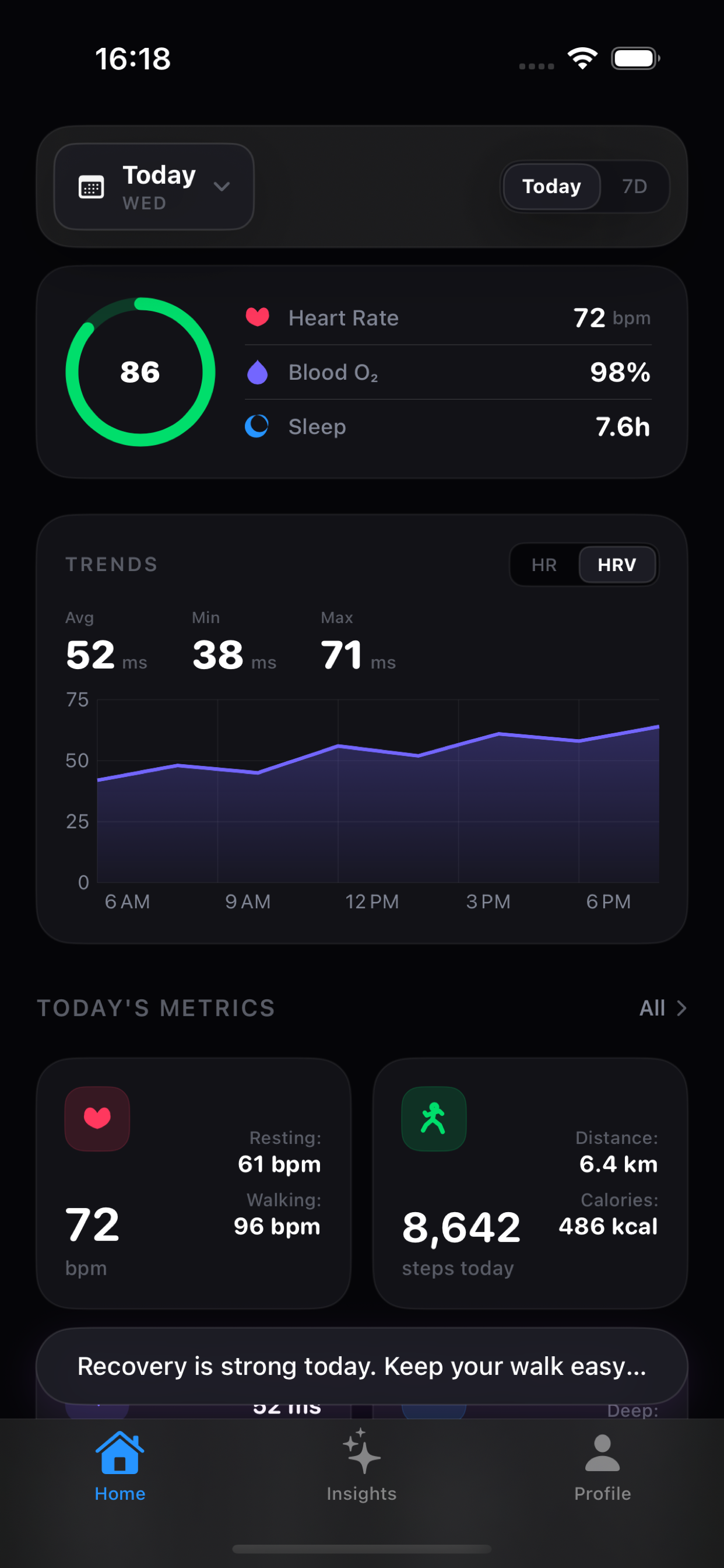
 Apple Watch captures a lot. The hard part is giving an AI system the right context without handing over everything.
Read the note How it works A small JSON protocol lets the model ask for specific HealthKit data while the app keeps permissions and execution local.
Read the note