Collection is not interpretation
Start with the sample.
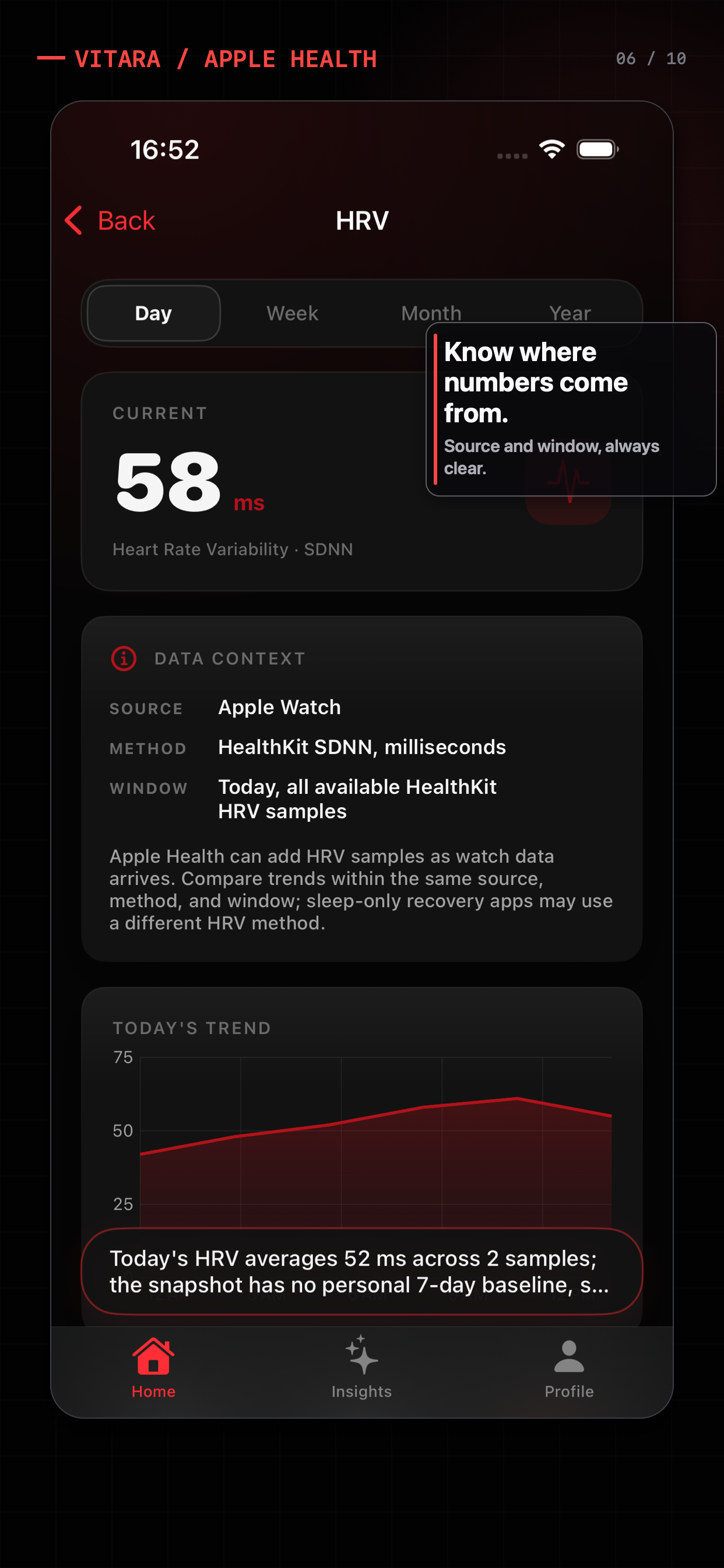
Apple Watch records signals; the analysis layer needs to explain which samples it used.
The Apple Watch is good at collecting signals. The difficult part is turning those samples into a focused question without losing the source, window, baseline, or privacy boundary. Here is a practical way to compare analysis apps for iPhone.
Apple Health tells you what happened. Vitara helps you see what changed.
Apple Health read-only · Optional AI · Wellness information, not medical advice
Collection is not interpretation
Apple Watch records signals; the analysis layer needs to explain which samples it used.
Ask a bounded question
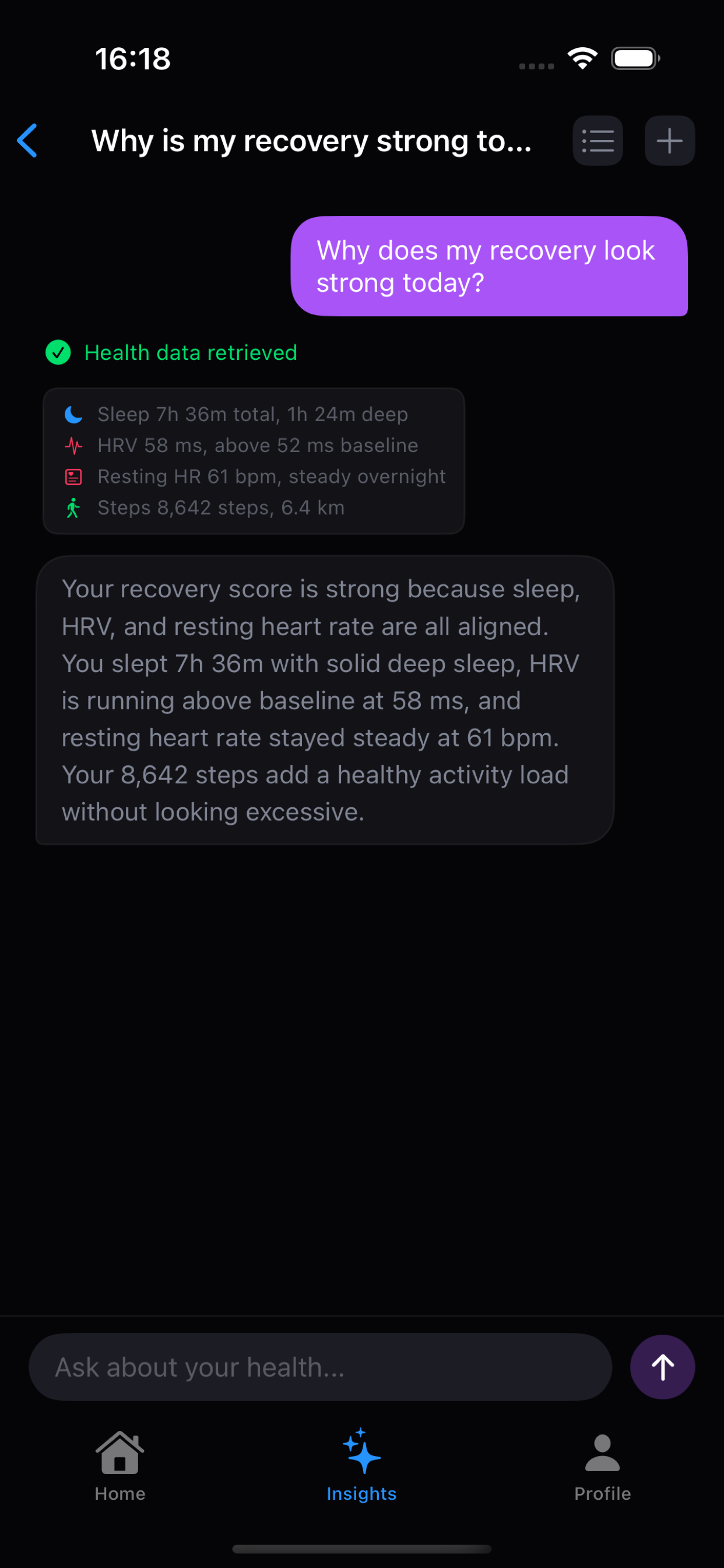
A focused question usually needs a smaller slice of Apple Health context than a full export.
Make the boundary visible
Permission, provider choice, consent, and missing-data behavior are part of the product experience.
What to compare
Many products can display a number. Fewer make the path from Apple Watch to interpretation easy to inspect. When comparing apps, ask whether the app can show the relevant metric, date, and source before it produces a conclusion.
Vitara’s workflow
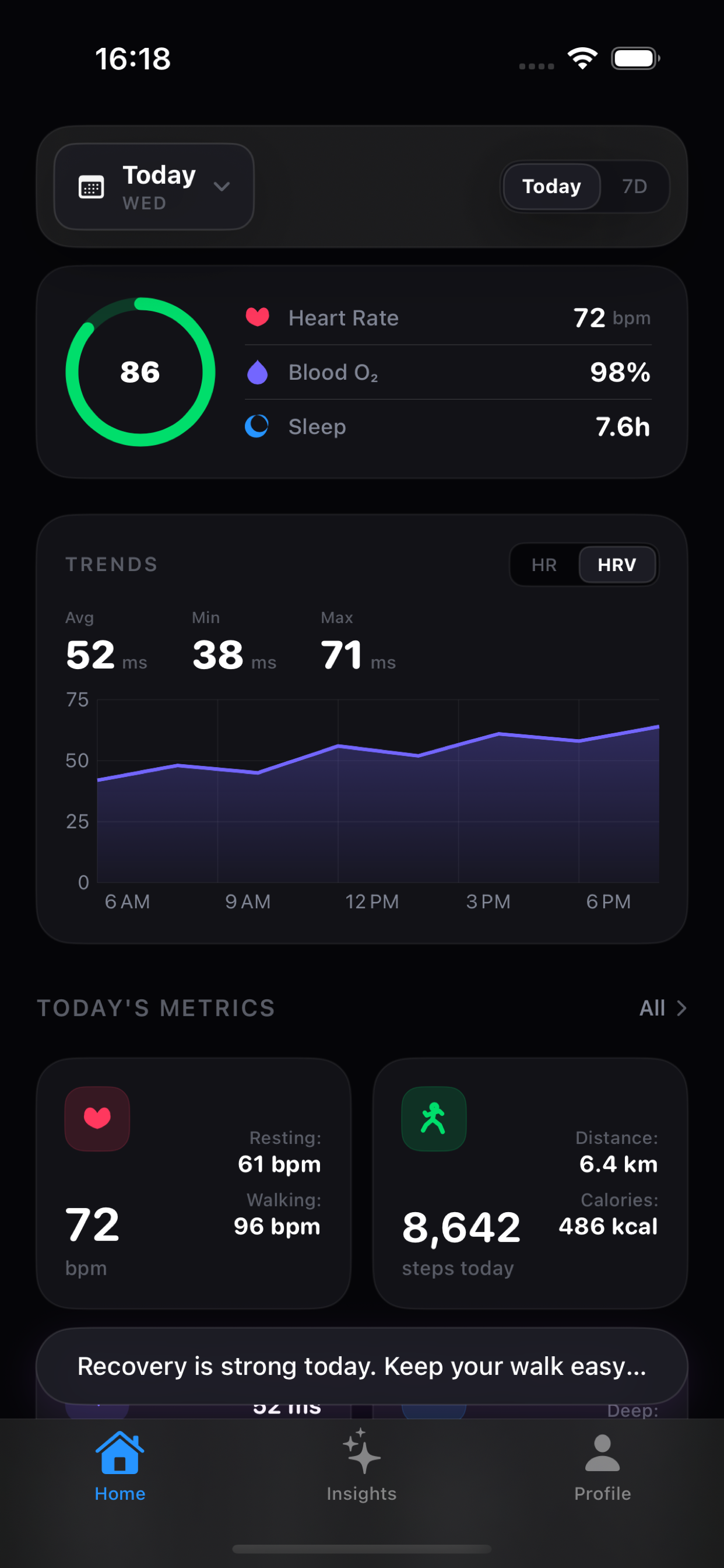
Vitara combines a local dashboard with a structured health chat. The app can translate a natural-language question into a known query type, run the HealthKit operation locally, and return the relevant result to the model for an explanation.
A practical fit check
These are different product jobs. The right choice depends on whether you want a record, a trend explanation, or coaching around readiness.
| Analysis approach | What it is good at | Question to ask before choosing |
|---|---|---|
| Apple Health | Native storage, browsing, highlights, and trends across compatible sources. | Does the native trend view give you enough context for the question you want to answer? |
| Dashboard companion | Cross-metric review, baseline comparison, source context, and a clearer “what changed” starting point. | Can you inspect the local context without an AI request? |
| AI health coach | Natural-language explanations, plans, and recommendations built around a product’s own scoring model. | Which data is included, where is it processed, and which parts are measured versus inferred? |
The categories overlap. This table describes workflows, not a universal ranking of apps.
Before you download
For product-wide answers about pricing, permissions, AI providers, and the Free/Pro boundary, see the Vitara FAQ.
Not automatically. Apple Health and HealthKit permissions stay with the iPhone app. An AI feature needs an app-side query and data-sharing path that explains what context is being used.
Check the source, time window, baseline, missing data behavior, and whether the result distinguishes measured data from interpretation. A score without those details is difficult to audit.
No. The dashboard and local What changed explanations are designed to work without an AI endpoint. AI analysis and chat are optional layers.
Sources and boundaries
Apple documents highlights, details, and trends in the Health app.
Apple Developer: HealthKitApple’s developer documentation describes HealthKit as the framework for health and fitness data access.
Vitara health agent noteA product note explains the structured query and local execution boundary in more detail.
Product features, pricing, and platform behavior can change. This page was reviewed on August 3, 2026; use the linked source and each product’s current terms before making a purchase decision. Vitara is for wellness reflection and informational reference, not diagnosis or treatment.
Related search paths
 Why Vitara
 Apple Watch captures a lot. The hard part is giving an AI system the right context without handing over everything.
Read the note How it works A small JSON protocol lets the model ask for specific HealthKit data while the app keeps permissions and execution local.
Read the note