Start with the signal
See what moved.
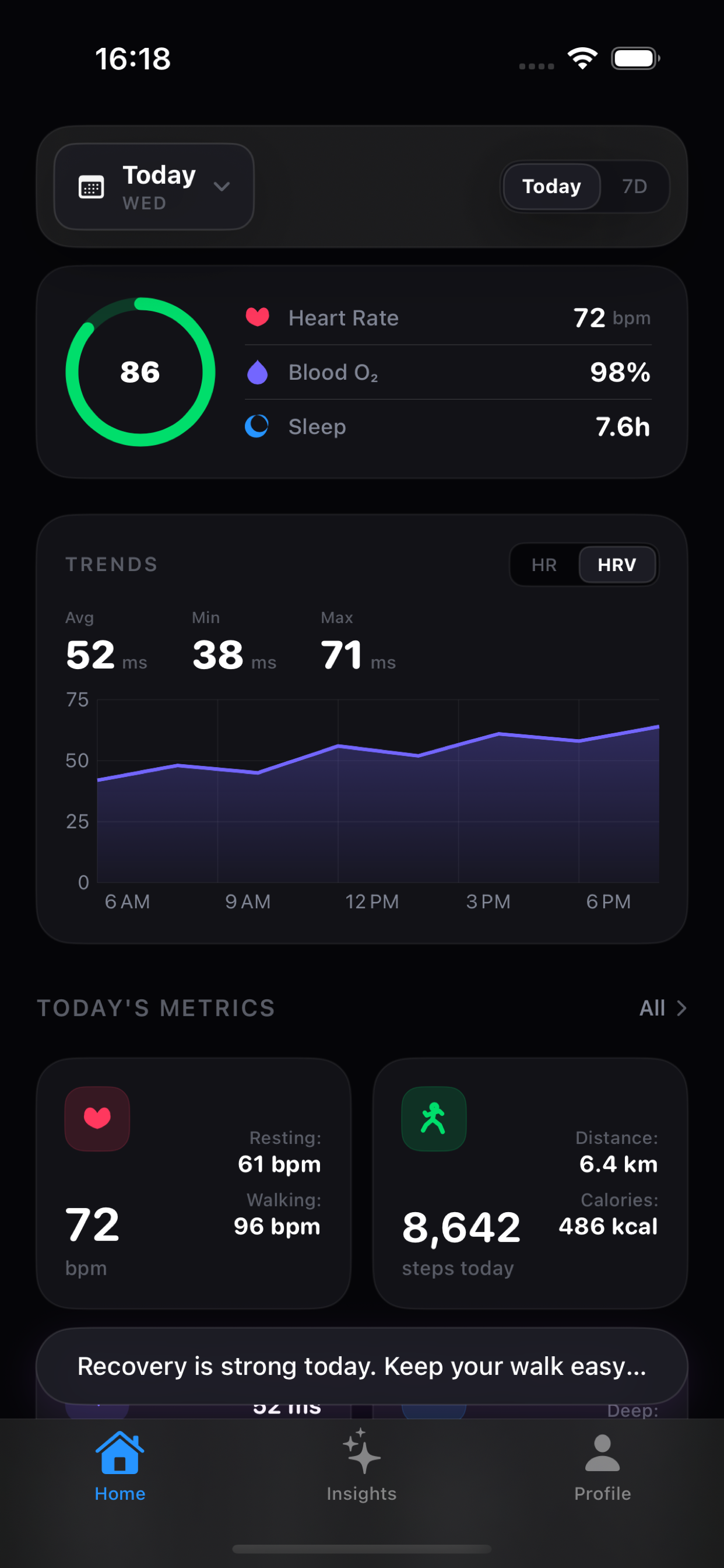
A useful dashboard makes recent movement legible instead of hiding it behind a generic score.
Apple Health stores a lot of information. The best companion app depends on what you want to do next: review a trend, understand a change, or follow a coaching score. This guide maps those jobs without treating every health app as interchangeable.
Apple Health tells you what happened. Vitara helps you see what changed.
Apple Health read-only · Optional AI · Wellness information, not medical advice
Start with the signal
A useful dashboard makes recent movement legible instead of hiding it behind a generic score.
Keep the context
Source, baseline, date range, and missing data affect what a chart can reasonably say.
Choose depth
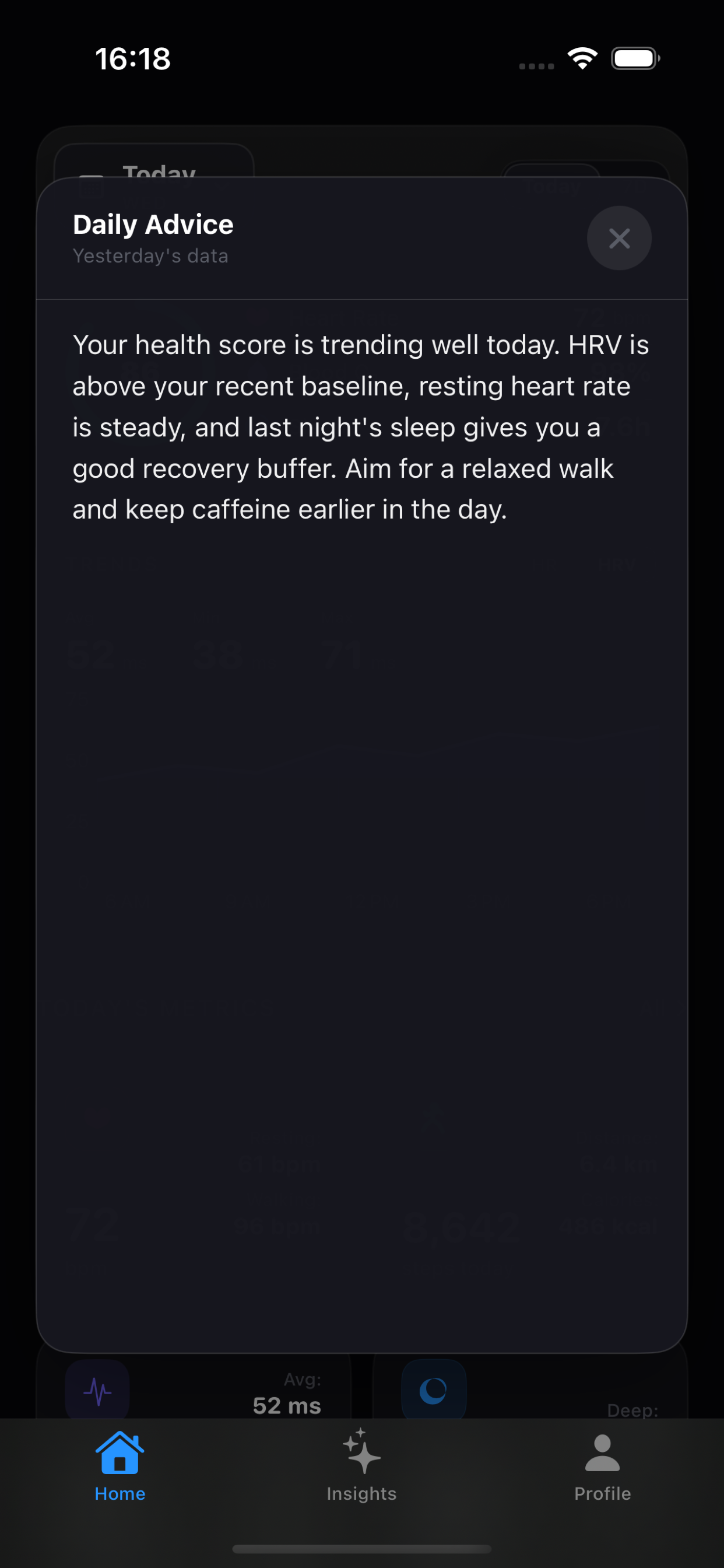
Use AI as an optional explanation layer after you decide which health context matters.
The selection criteria
Apple Health already gives iPhone users a secure place to browse highlights, details, and trends. A companion app earns its place by making a different part of the review workflow clearer: comparison with a prior baseline, cross-metric context, or an explanation that remains inspectable.
Where Vitara fits
Vitara reads selected Apple Health data locally after permission, then surfaces trends across sleep, HRV, heart rate, activity, and workouts. Its What changed explanation is designed to work without an AI endpoint; the AI layer is there when you want a focused summary or question answered.
A practical fit check
These are different product jobs. The right choice depends on whether you want a record, a trend explanation, or coaching around readiness.
| What matters | Apple Health | Vitara | Recovery / coaching apps |
|---|---|---|---|
| Primary job | Store, browse, and trend health data across Apple devices and compatible sources. | Make recent Apple Health movement and context easier to review in one dashboard. | Turn data into readiness, strain, sleep, or coaching-oriented guidance. |
| First question | What data is available and how is it trending? | What changed, and which context is worth looking at? | How recovered or ready am I for today? |
| AI path | Apple’s Health experience is the system record; companion AI behavior varies by product. | Optional Apple Intelligence or a user-configured OpenAI-compatible endpoint. | Varies by app and plan; verify the provider and data-sharing terms directly. |
| Best fit | People who want the native health record and permission surface. | People who want trend context before deciding whether they need AI. | People who want a coaching model or a daily score to guide training. |
“Recovery / coaching apps” is a category, not a claim that every app has the same features. Check each product’s current documentation.
Before you download
For product-wide answers about pricing, permissions, AI providers, and the Free/Pro boundary, see the Vitara FAQ.
Yes. Apple Health stores health information and includes highlights and trends. A companion dashboard can be useful when you want a different way to review movement, source context, or optional interpretation.
Vitara starts with a dashboard and local What changed explanations across Apple Health metrics. It does not require a single readiness score to be the first answer; optional AI can go deeper after you inspect the visible trend.
No. Vitara reads selected Apple Health data after permission and acts as a companion. Apple Health remains the system record and permission surface.
Sources and boundaries
Apple documents highlights, trend lines, and browsing health details in the Health app.
Apple Support: Introduction to Health dataApple describes Health as a place for information from iPhone, Apple Watch, and compatible apps and devices.
Vitara privacy policyThe current policy explains HealthKit permissions, optional AI sharing, and website analytics.
Product features, pricing, and platform behavior can change. This page was reviewed on August 3, 2026; use the linked source and each product’s current terms before making a purchase decision. Vitara is for wellness reflection and informational reference, not diagnosis or treatment.
Related search paths
Why Vitara Apple Watch captures a lot. The hard part is giving an AI system the right context without handing over everything.
Read the note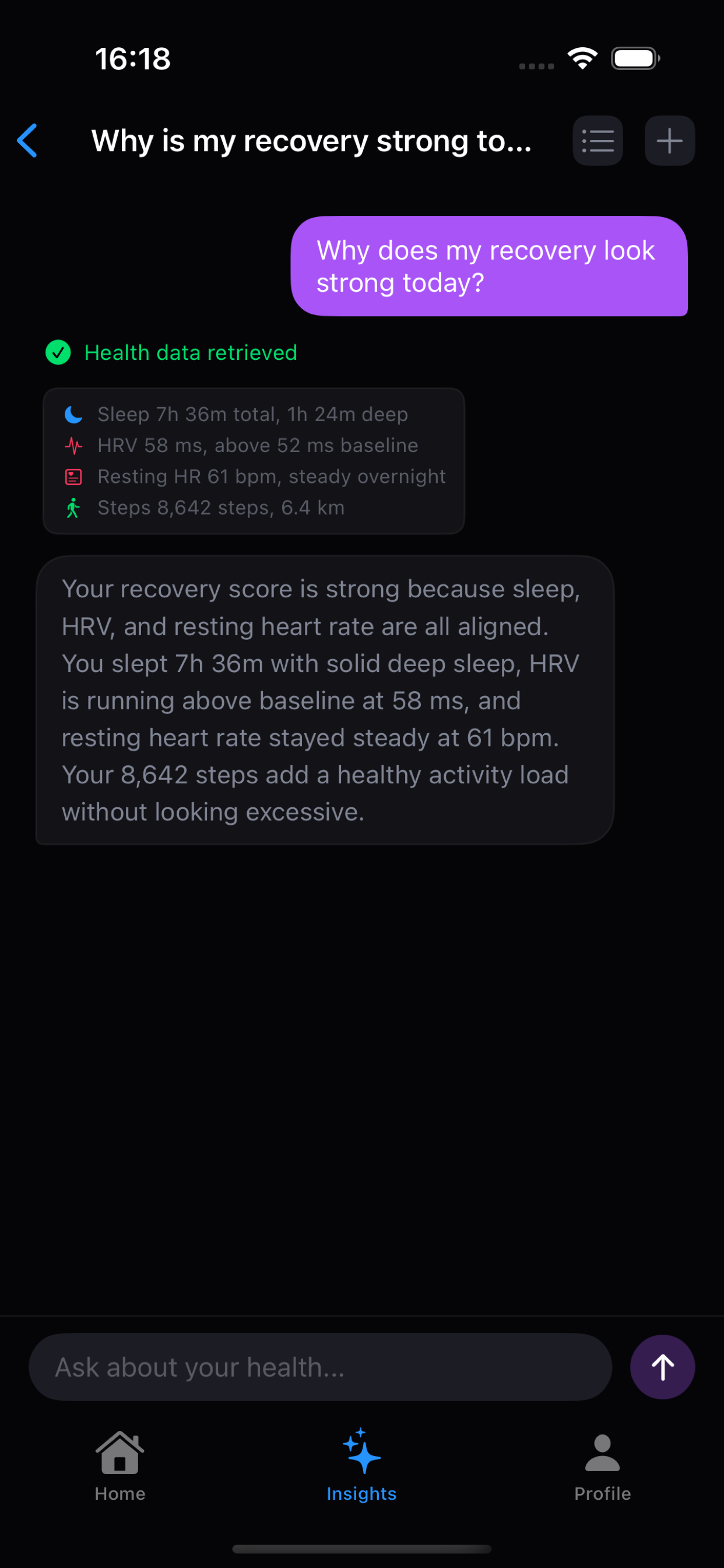 How it works
 A small JSON protocol lets the model ask for specific HealthKit data while the app keeps permissions and execution local.
Read the note