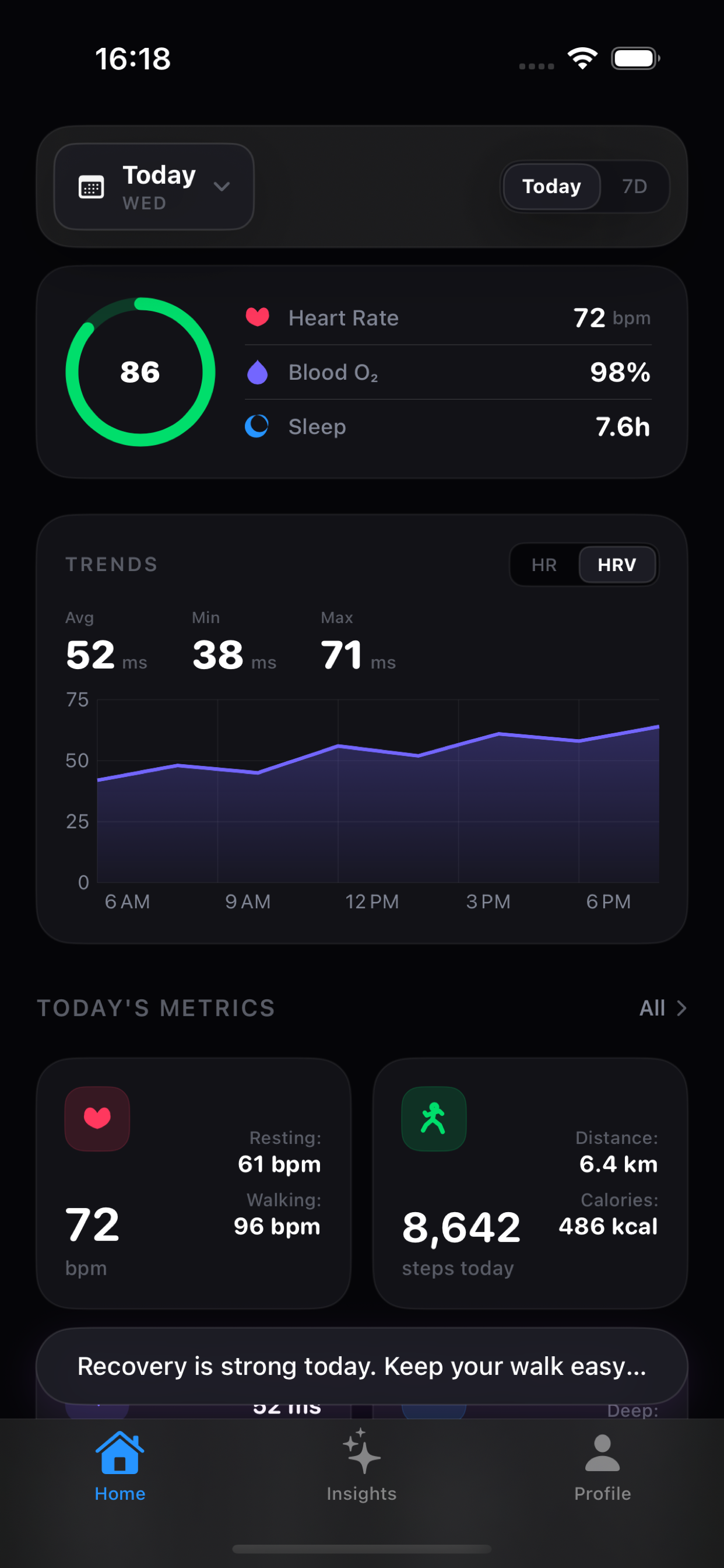
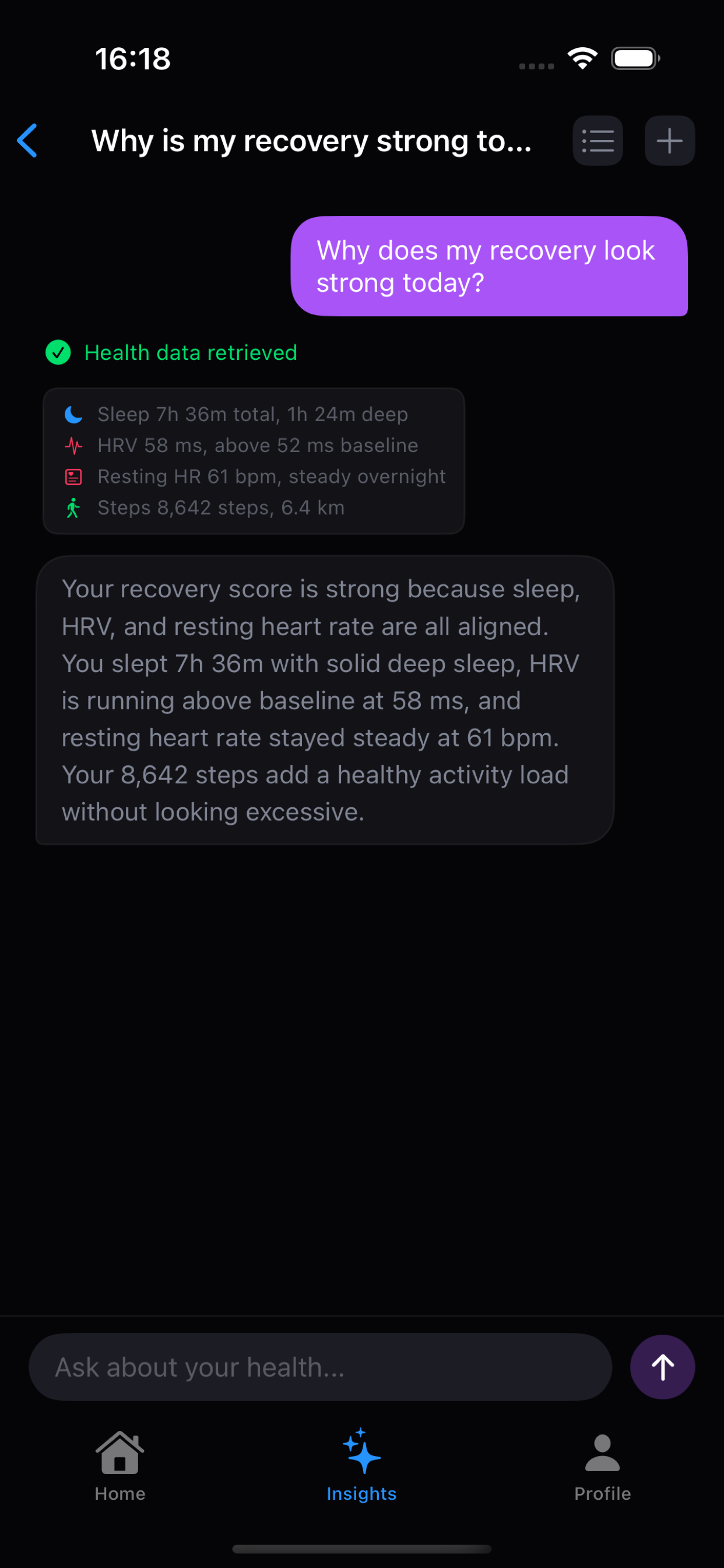
When someone asks, “Why is my recovery stronger today?” the useful answer is probably not sitting in one HealthKit sample. The app may need to compare sleep, HRV, resting heart rate, activity, or recent workouts. Vitara handles that with a small agent loop instead of giving the model unlimited access to Apple Health.
The loop in one view
Step one: the model asks for a small slice
For a question about sleep and HRV, the model might return an action like this:
{
  "action": "query",
  "queries": [
    { "type": "sleep", "date": "2026-07-09" },
    { "type": "hrv", "date": "2026-07-09" }
  ]
}
The exact protocol is intentionally small. It does not depend on a provider-specific function-calling feature, so the
same app-side contract can work with an OpenAI-compatible /v1/chat/completions endpoint.
Step two: the app owns the query
The JSON action is not a pass that lets the model execute arbitrary code. The app parses it, validates the query type, and maps it to a known HealthKit operation. The model can only ask for the query types the app exposes.
- steps
- distance
- calories
- heart_rate
- resting_heart_rate
- blood_oxygen
- sleep
- hrv
- weight
- respiratory_rate
- workouts
Permissions stay with HealthKit and the app. If a metric is not authorized or there is no sample for the requested period, the result can say so explicitly. That is much safer than silently filling the gap with a guess.
Step three: return only what the question needs
The query result is encoded as structured data and added back to the conversation. The model can request another small batch if the question genuinely needs it, but the loop is capped at three query iterations. After that, the agent must answer with the information already available.
The control plane stays in the app
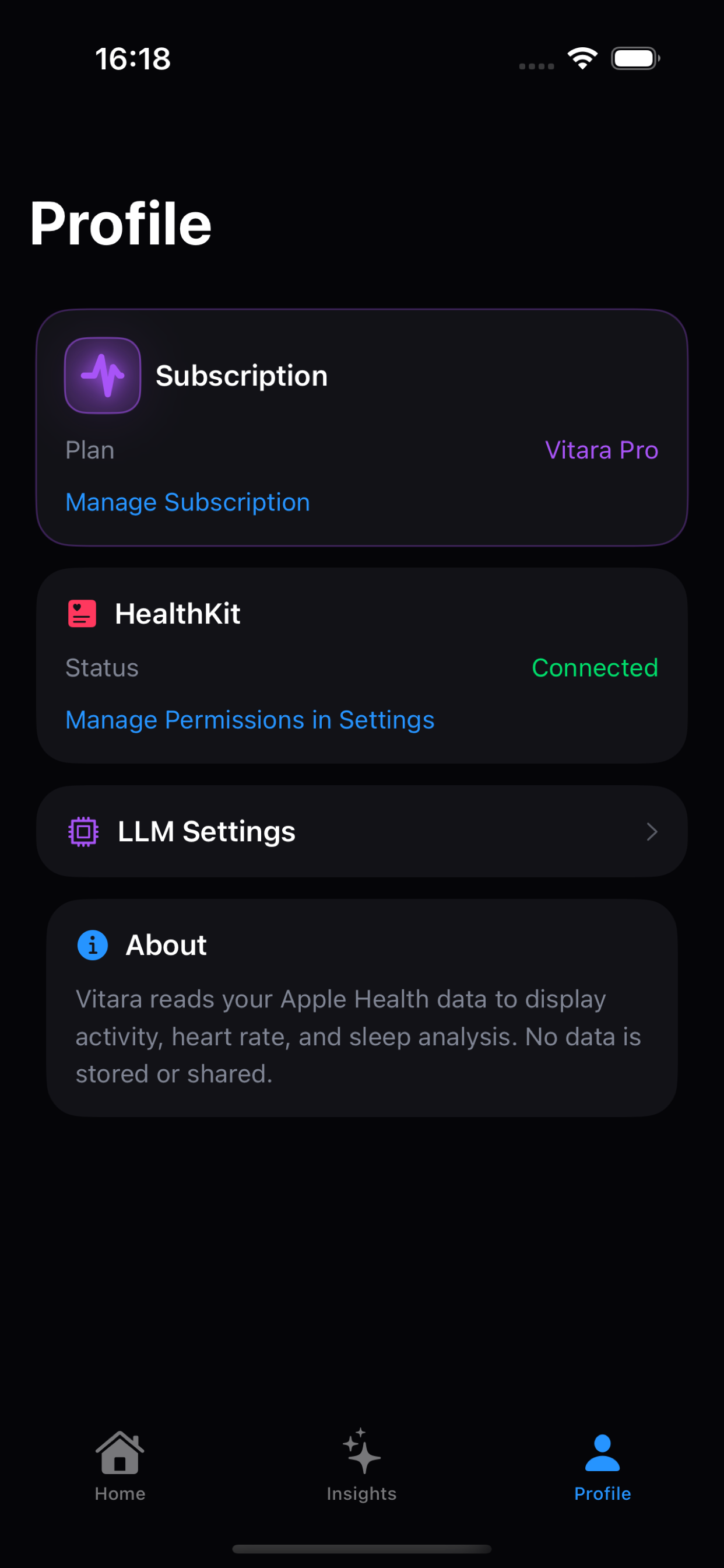
The model handles language and interpretation. Vitara handles permissions, query execution, empty-data behavior, persistence, and visible UI state. The model does not get a general-purpose HealthKit handle.
What about Memory?
Vitara can add user-controlled Memory such as a training goal, a preferred answer style, or personal context. That context can help the model focus its explanation, but it is not measured HealthKit evidence. If the user asks for a fact about sleep, HRV, or workouts, the agent still has to query HealthKit.
This separation keeps “I am training for a half marathon” different from “my workout duration was 48 minutes.” One is personalization context; the other is a measured fact.
Keep reading
The agent loop explains how data is selected. The next question is where that selected context can go. Read BYOK for Health Data: Your Provider, Your Boundary.