Apple Watch is good at collecting signals. Apple Health is good at keeping them available to the system. The harder problem is the handoff: how do you give an AI enough context to answer a useful question without turning your entire health history into one giant upload?
The missing piece is not another chart. It is a permissioned bridge between HealthKit and the question you actually want to ask.
The data is there. The handoff is missing.
If you wear an Apple Watch, your iPhone may already have days or years of sleep, heart rate, HRV, activity, and workout data. But most AI tools cannot simply open HealthKit and inspect it. A manual workflow usually means taking screenshots, copying numbers, or exporting a file and then explaining what each column means.
That workflow loses the things that make health data interpretable: the measurement window, the source, the baseline, whether a value is missing, and which metrics are relevant to the question. It also makes privacy decisions hard to see.
Vitara’s job is deliberately narrower
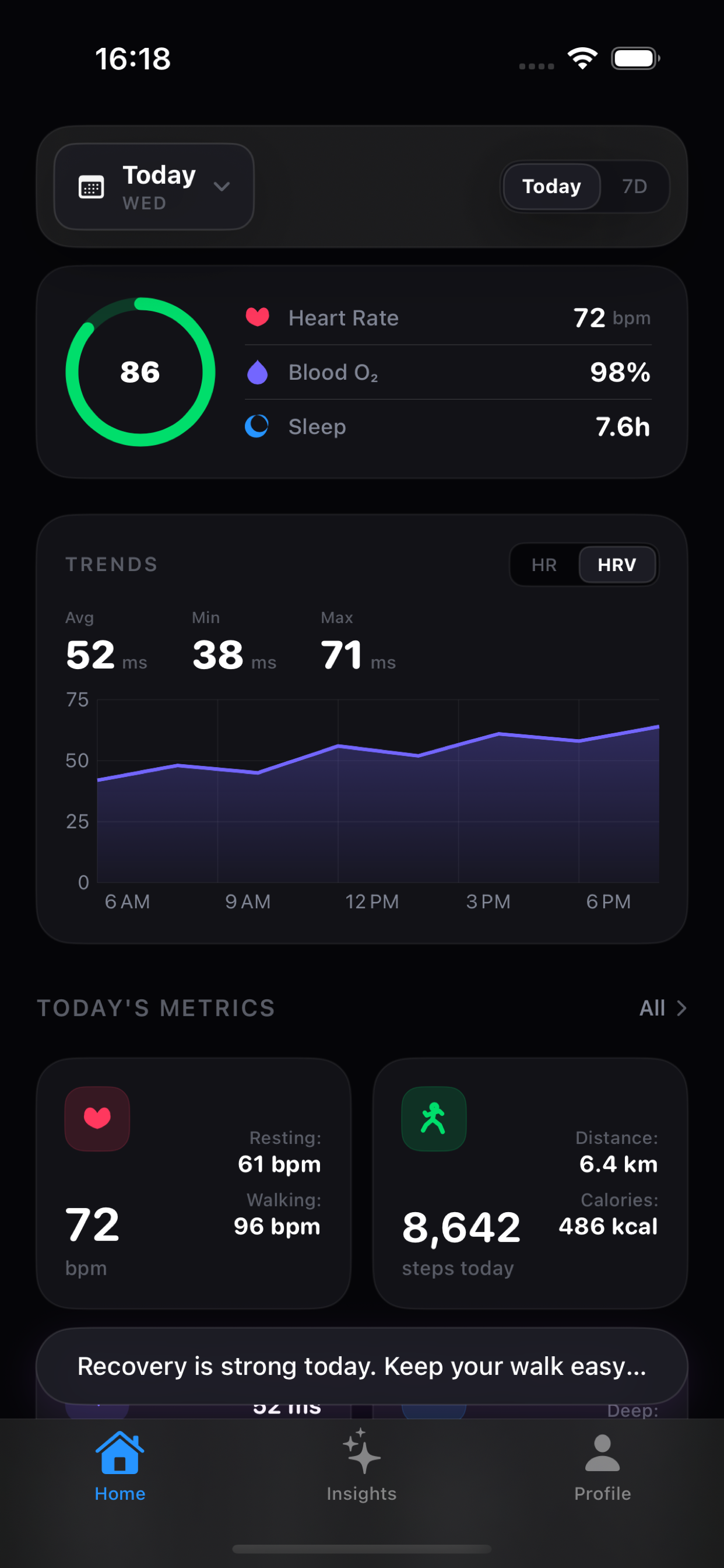
Vitara is not trying to become a new cloud database for every health record. It is an iPhone app that gives Apple Health a clearer dashboard and adds an optional interpretation layer when you want one.
1. See what changed
Local trend explanations surface movement across sleep, HRV, heart rate, activity, and workouts.
2. Ask a focused question
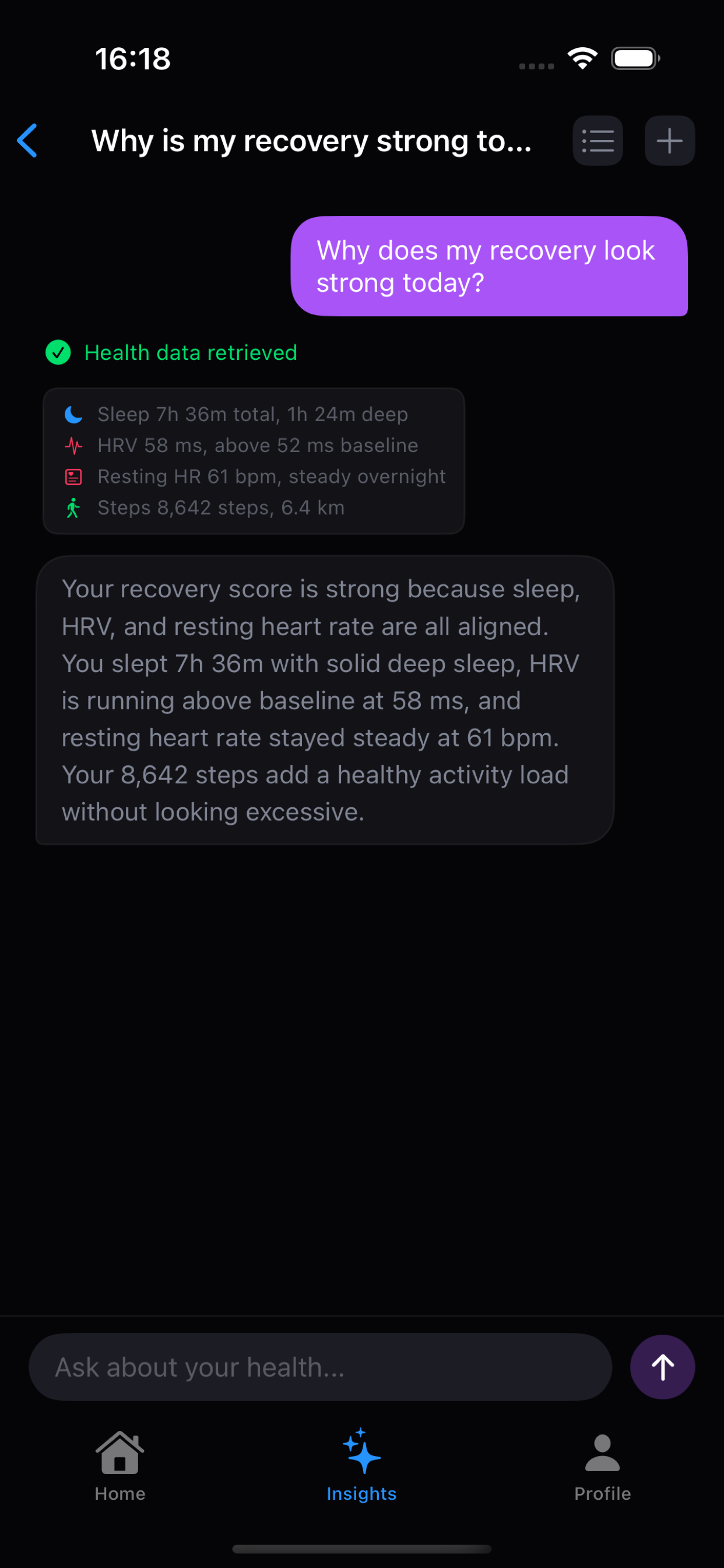
Natural-language questions can ask for the specific context needed to explain a trend.
3. Choose the AI path
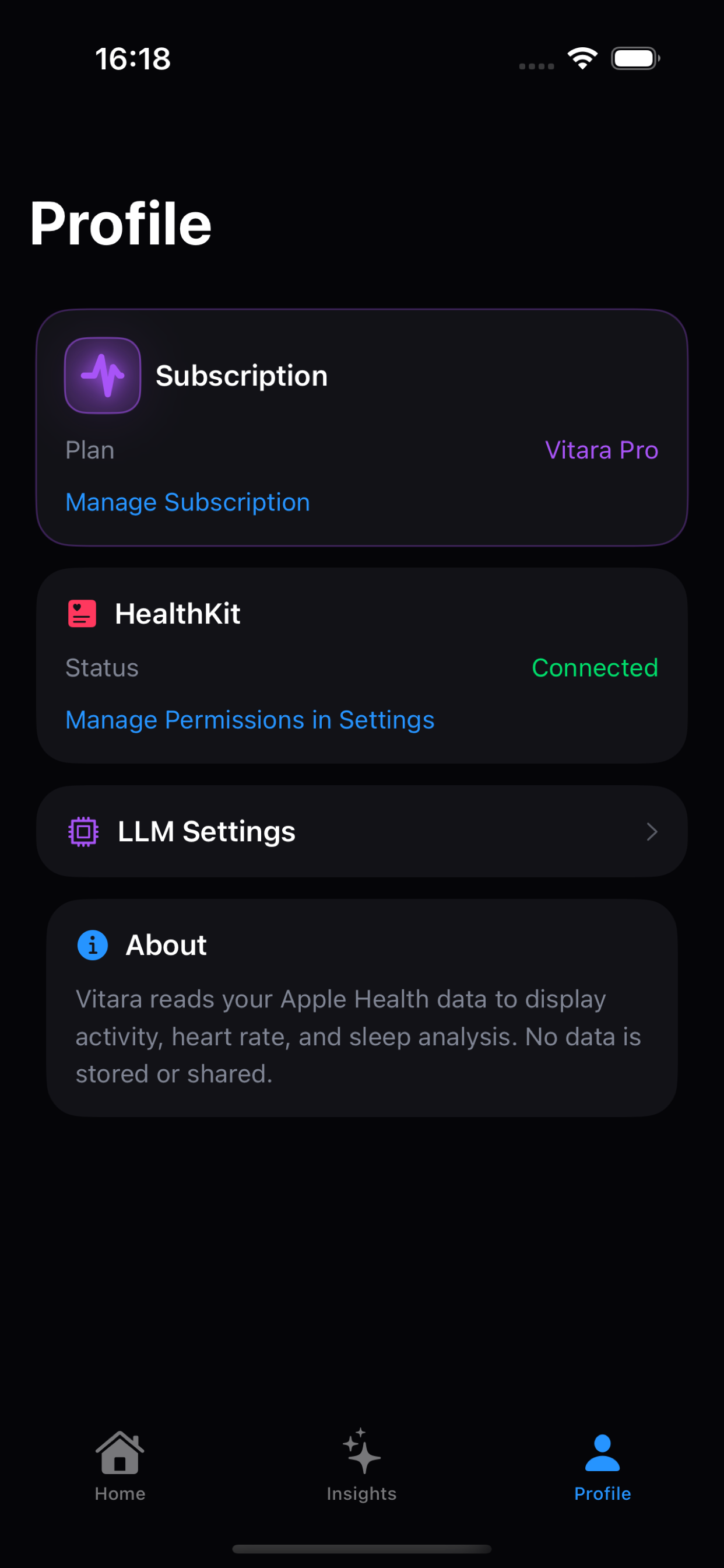
Use Apple Intelligence where available, or configure an OpenAI-compatible provider you trust.
4. Keep the boundary visible
HealthKit access, provider selection, consent, and API key storage remain app-level responsibilities.
Where Claude Code and Codex fit
Claude Code and Codex are useful examples of the kind of AI tools people want to work with: they can reason over a lot of context, ask follow-up questions, and turn raw information into something more useful. But a coding agent does not automatically become an iOS HealthKit client just because it is capable of reasoning about health data.
A precise product boundary
Vitara does not currently turn Claude Code or Codex into direct HealthKit integrations. The current app provides an app-side path: it reads the data you authorize, prepares focused context, and sends it through the AI provider you choose when you ask for analysis.
That distinction matters. It keeps the iPhone in charge of permissions and data access, while leaving the model to do the job it is best at: understanding a question and explaining a bounded result.
Why dashboard first?
An AI answer should not be the first time you discover that your HRV window changed, your sleep sample is incomplete, or your workout load moved sharply. The dashboard gives you a concrete starting point. AI can then add context instead of inventing a story from an invisible data pipeline.
- Local trend views work without an AI endpoint.
- The user can inspect the visible movement before asking for interpretation.
- Focused questions produce smaller, easier-to-audit AI inputs.
- Data-sharing choices are part of the product flow, not an afterthought.
Keep reading
The next layer is the agent loop itself: how a natural-language question becomes a small JSON request, how the app runs that request locally, and why the model never receives arbitrary HealthKit access. Read How Vitara’s Health Agent Queries Apple Health. For the practical product comparison, see the best apps to analyze Apple Watch health data and the best Apple Health dashboard apps.